
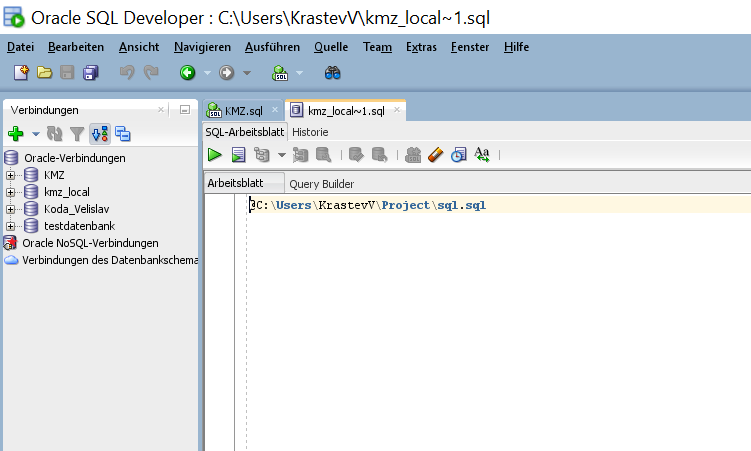
Open SQL Developer than press Alt – F10 and it will show you a Choose Connection dialog. Choose a Connection and it opens a SQL Editor for that connection. Write in it just
@C:\Users\KrastevV\Project\sql.sql
Sign @ followed by the Path to the Script and execute it with play button.
 Velislav Krastev Blog
Leave a comment